Look up any word instantly — just point your camera at text. No typing, no internet required. Now with flash card sets and two-sides study mode!
📷
How it works
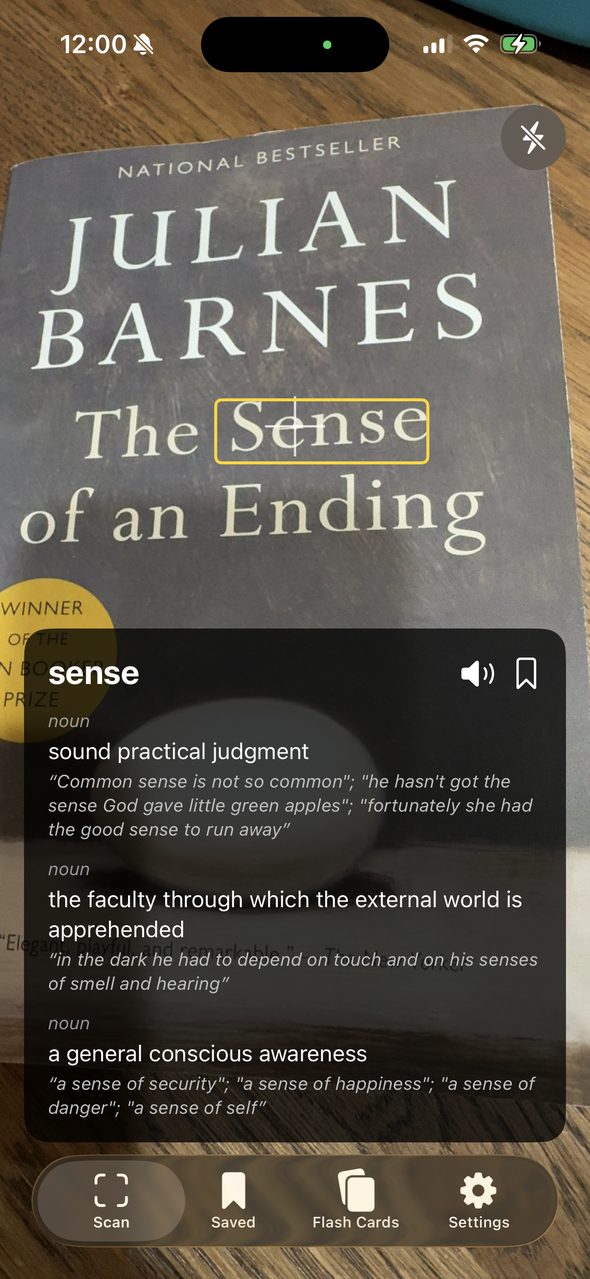
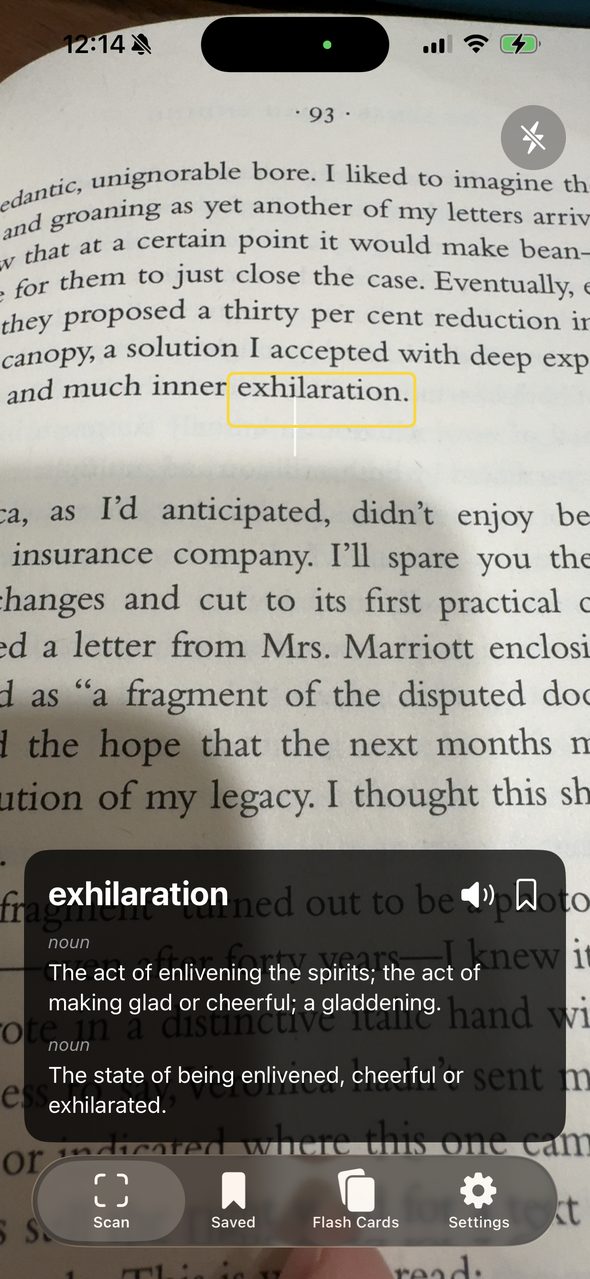
Simply aim your camera at a book, article, menu, or sign. LensDict automatically detects the word at the center crosshair, highlights it, and shows the definition in a floating card. Tap the screen to pause and explore deeper.
📖
Powerful lookup
Two built-in dictionaries: WordNet 3.1 and Wiktionary — with automatic fallback if a word isn't found in one
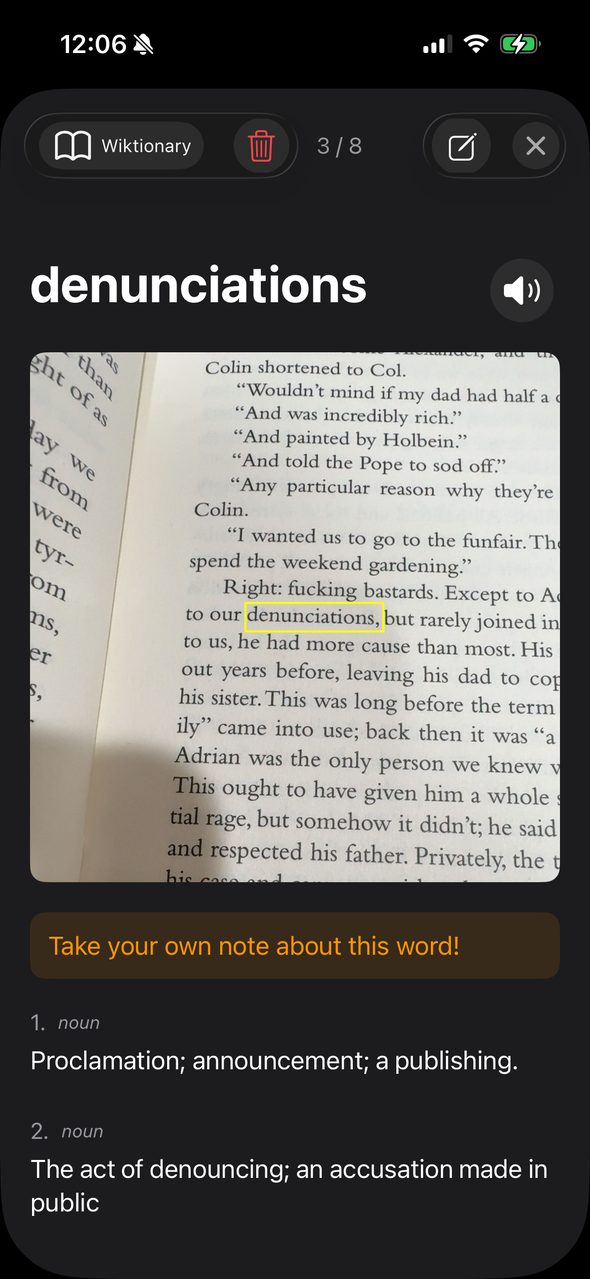
Long-press any word in a definition to look it up (deep lookup)
Lemmatization recognizes word forms — "running" finds "run", "children" finds "child"
Text-to-speech pronunciation for every word
Synonyms and antonyms displayed alongside definitions to deepen your vocabulary
Works entirely offline — no internet connection required
💾
Save & organize
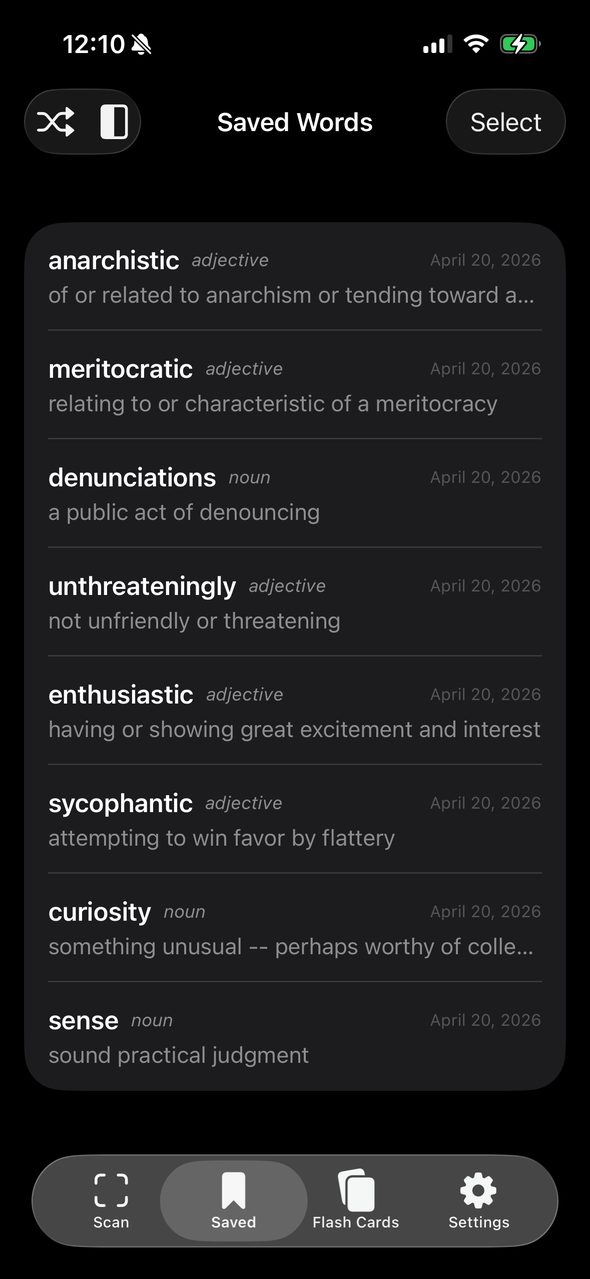
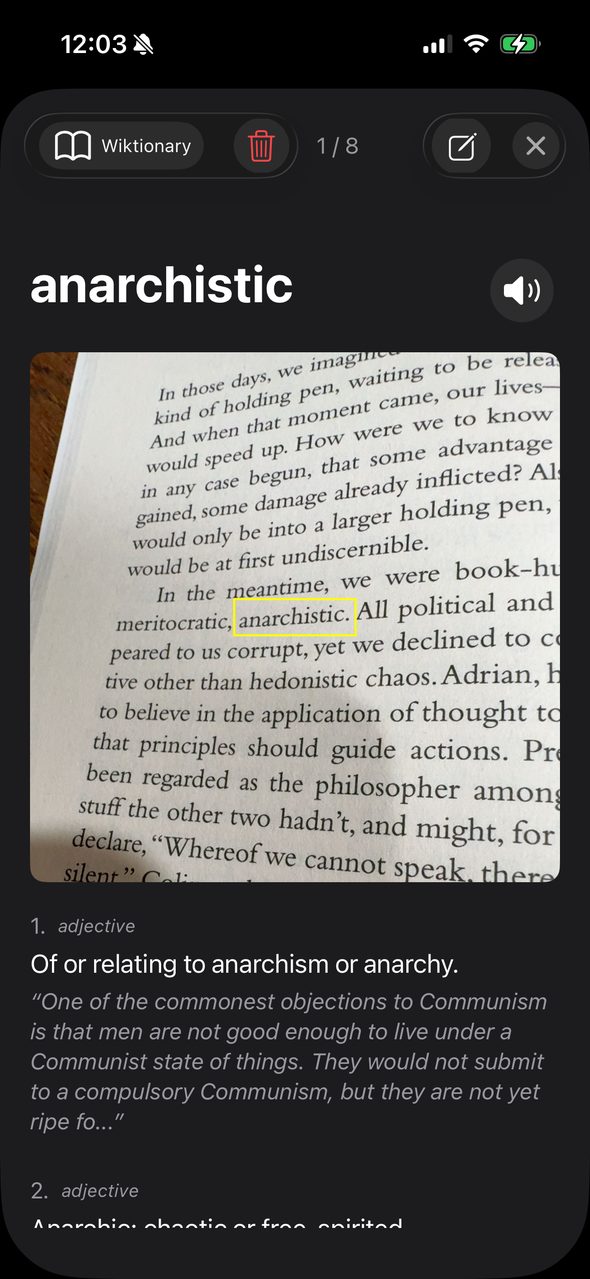
Bookmark words with one tap — each save captures a snapshot of what you were reading
Add personal notes with color coding to any saved word
Browse saved words with swipe navigation
🃏
Flash Card Sets (Premium)
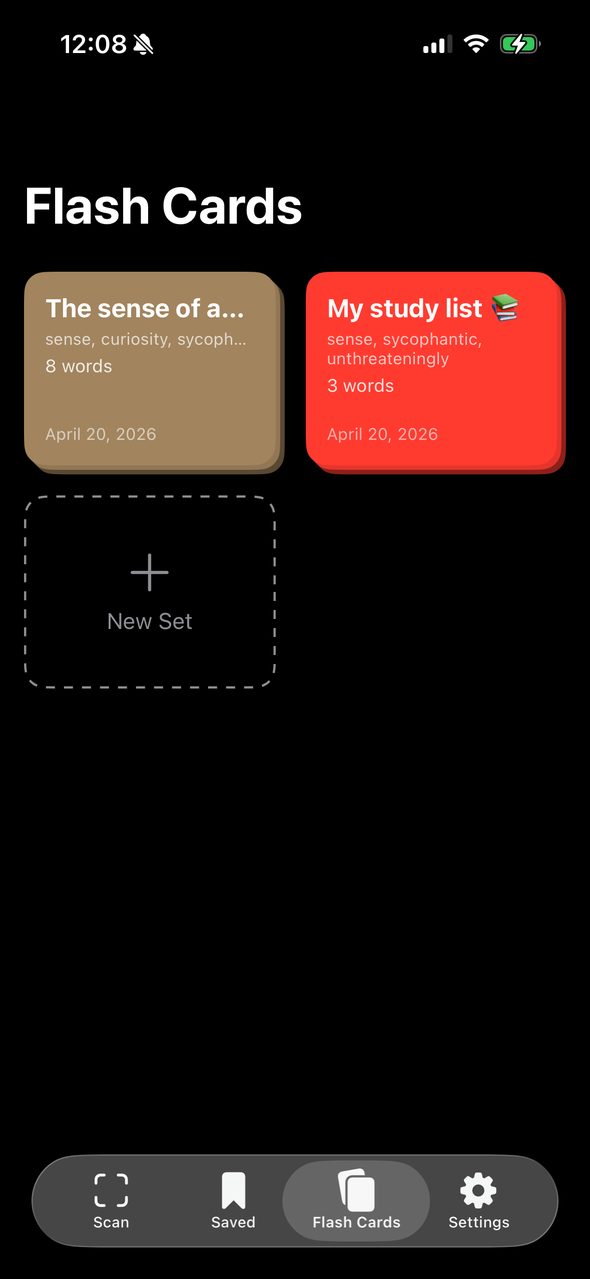
Organize saved words into custom-colored flash card decks by topic, lesson, or difficulty
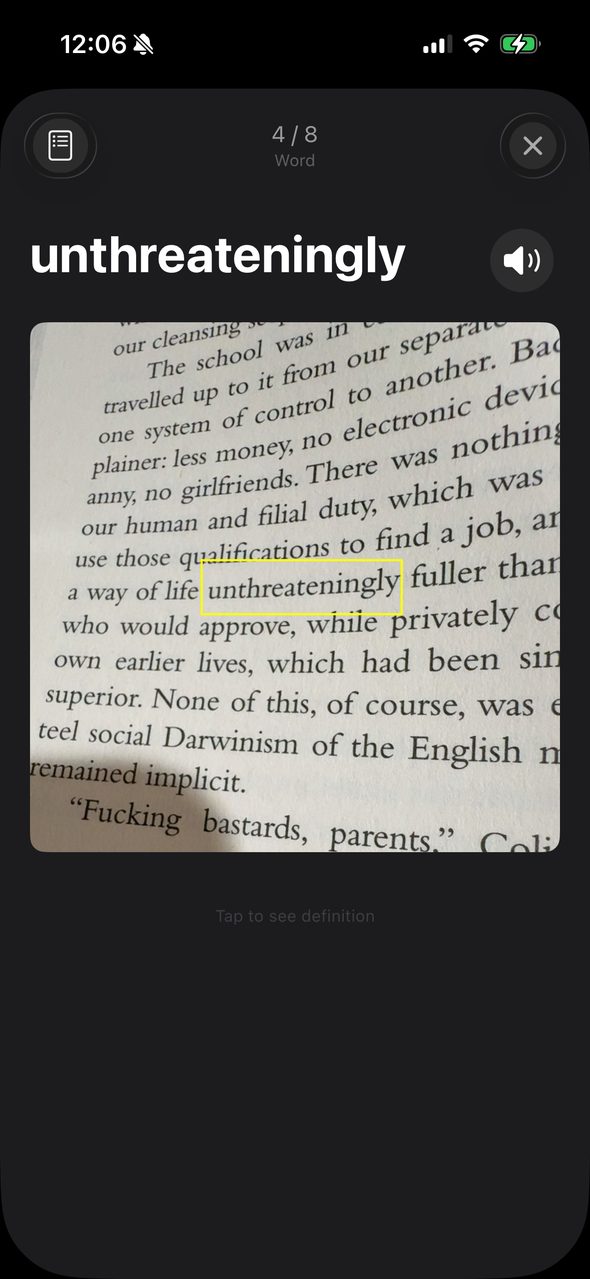
Two-sides study mode: see the word first, tap to reveal the definition — perfect for self-testing
Shuffle mode for randomized review
Copy or move words between sets
Unlimited saved words (free users can save up to 50)
⭐
Premium Plans
Monthly, yearly (with 7-day free trial), or one-time lifetime purchase
Free users enjoy full camera dictionary and up to 50 saved words
🔒
Privacy first
No account required
No data leaves your device
No tracking, no ads
Support
Have a question, feedback, or need help? We'd love to hear from you.